
Table of Contents
Professional Gmail for Your Business — Planned & Set Up the Right Way
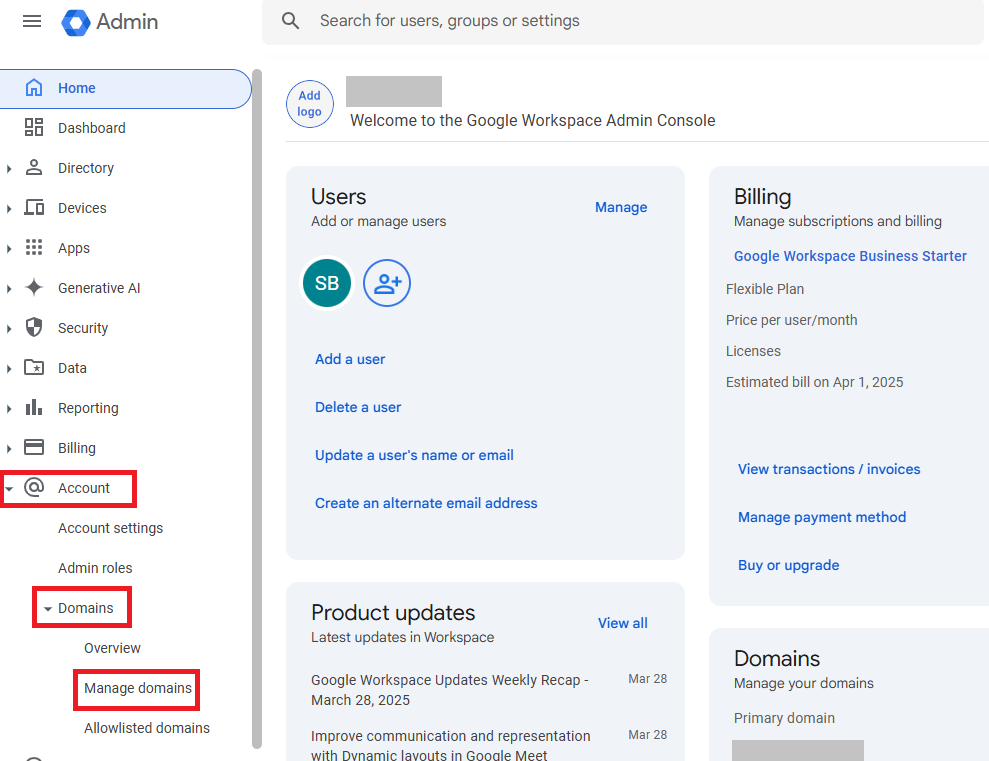
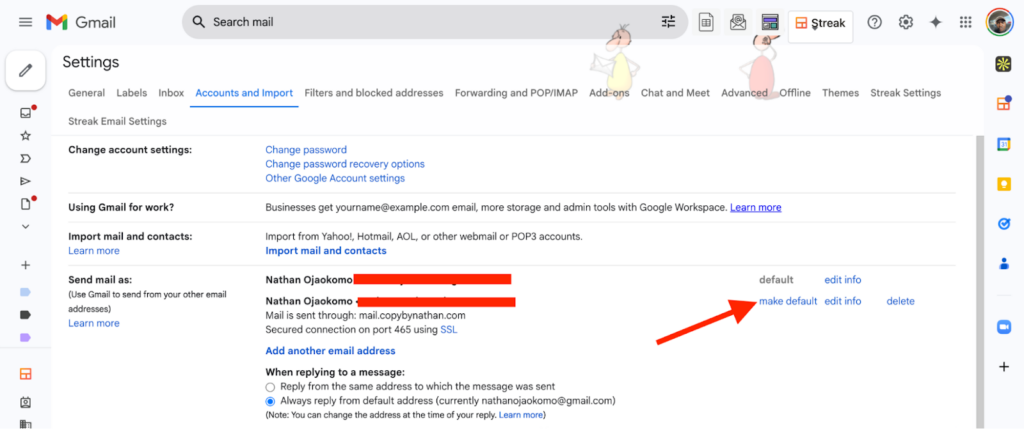
If you want a professional business email like [email protected], Google Workspace lets you use Gmail with your own domain.
Most business owners who land here:
- Already own a domain
- See competitors using professional Gmail
- Want better email credibility and branding
- Are unsure how to connect their domain with Gmail
That’s where proper planning makes all the difference.
Why Use Google Workspace With Your Own Domain?
Using Google Workspace with a custom domain helps your business:
- Look professional and trustworthy
- Improve email deliverability
- Protect your brand from spoofing
- Collaborate using Gmail, Drive, Docs, and Meet
- Keep full control over users and access
For growing SMBs and startups, this becomes the foundation of business communication.
What Most Businesses Miss During Setup
Google Workspace setup is not just a signup.
It involves:
- Domain ownership verification
- DNS changes (MX, SPF, DKIM, DMARC)
- Email routing decisions
- Security configuration
❌ One wrong DNS change can stop incoming emails or cause silent delivery issues.
That’s why many businesses choose professional setup instead of trial and error.
How ManagedInbox Helps You Set Up Google Workspace
1. Workspace Planning & Consultation
ManagedInbox starts by understanding:
- Your current email provider (if any)
- Business size and growth plans
- Whether you need multiple domains in one Workspace
This avoids rework and issues later.
2. Domain Verification & Workspace Setup
We:
- Create your Google Workspace account
- Verify domain ownership correctly
- Prepare DNS changes carefully
No guesswork. No conflicts.
3. Email Migration (If Emails Exist Elsewhere)
If your emails are currently hosted on:
- A hosting provider
- Zoho, Outlook, or another legacy system
👉 ManagedInbox plans and migrates emails first, before changing MX records, so:
- No emails are lost
- No business downtime occurs
This step is often skipped in DIY setups.
4. Email Security & Deliverability Setup
After MX records, we configure:
- SPF
- DKIM
- DMARC
This improves:
- Inbox placement
- Email security
- Brand trust
5. User Onboarding & Security Basics
We also handle:
- New user creation
- Shared Drives (if required)
- Enforcing 2-Step Verification
- Basic admin and security best practices
You get a business-ready Google Workspace, not just working email.
6. Multiple Domains in One Workspace (Optional)
If your business operates with:
- Multiple brands
- Multiple domains
ManagedInbox can configure multiple domains under one Workspace, with clean routing and access control.
One-Time Setup or Ongoing Support
You can engage ManagedInbox for:
- A one-time professional Google Workspace setup
- Or annual managed admin support, so you never worry about Workspace administration
Planning Google Workspace for Your Business?
A rushed or incorrect setup can lead to:
- Email delivery issues
- Security gaps
- Rework later
Let ManagedInbox plan, migrate, and set up Google Workspace the right way from day one.
Get Professional Google Workspace SetupFrequently Asked Questions
Can I use Gmail with my existing domain?
Yes. Google Workspace allows Gmail with your custom domain.
Will my old emails be lost during setup?
No — ManagedInbox migrates emails before MX changes.
Do I really need SPF, DKIM, and DMARC?
Yes. They are essential for security and deliverability.
Can I add multiple domains to one Workspace?
Yes, this can be done safely with proper planning.
